



Double Camera Phone User Guide
Discover double camera phone - Expert guide with comprehensive information, detailed recommendations, and valuable insights to help you make informed decisions.

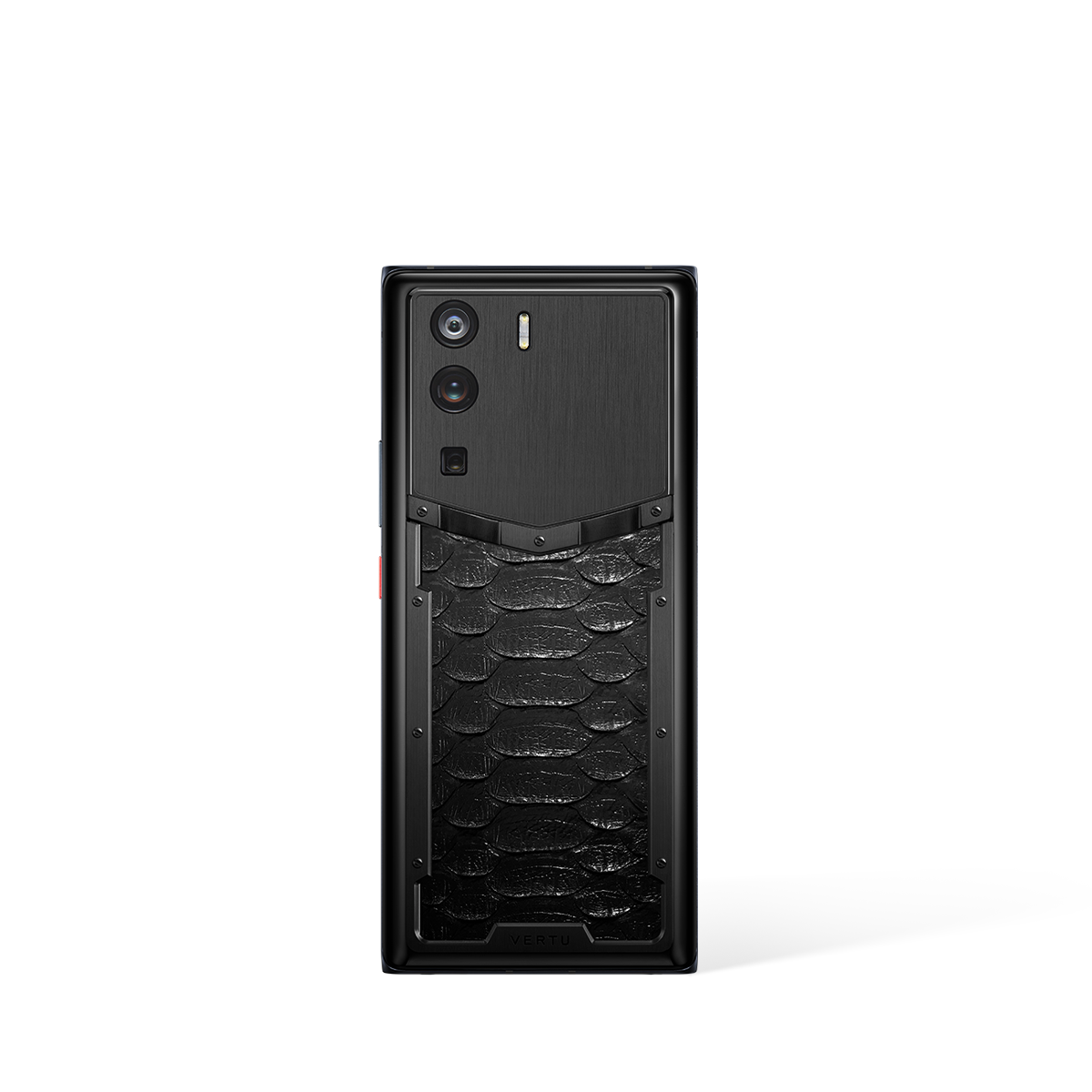
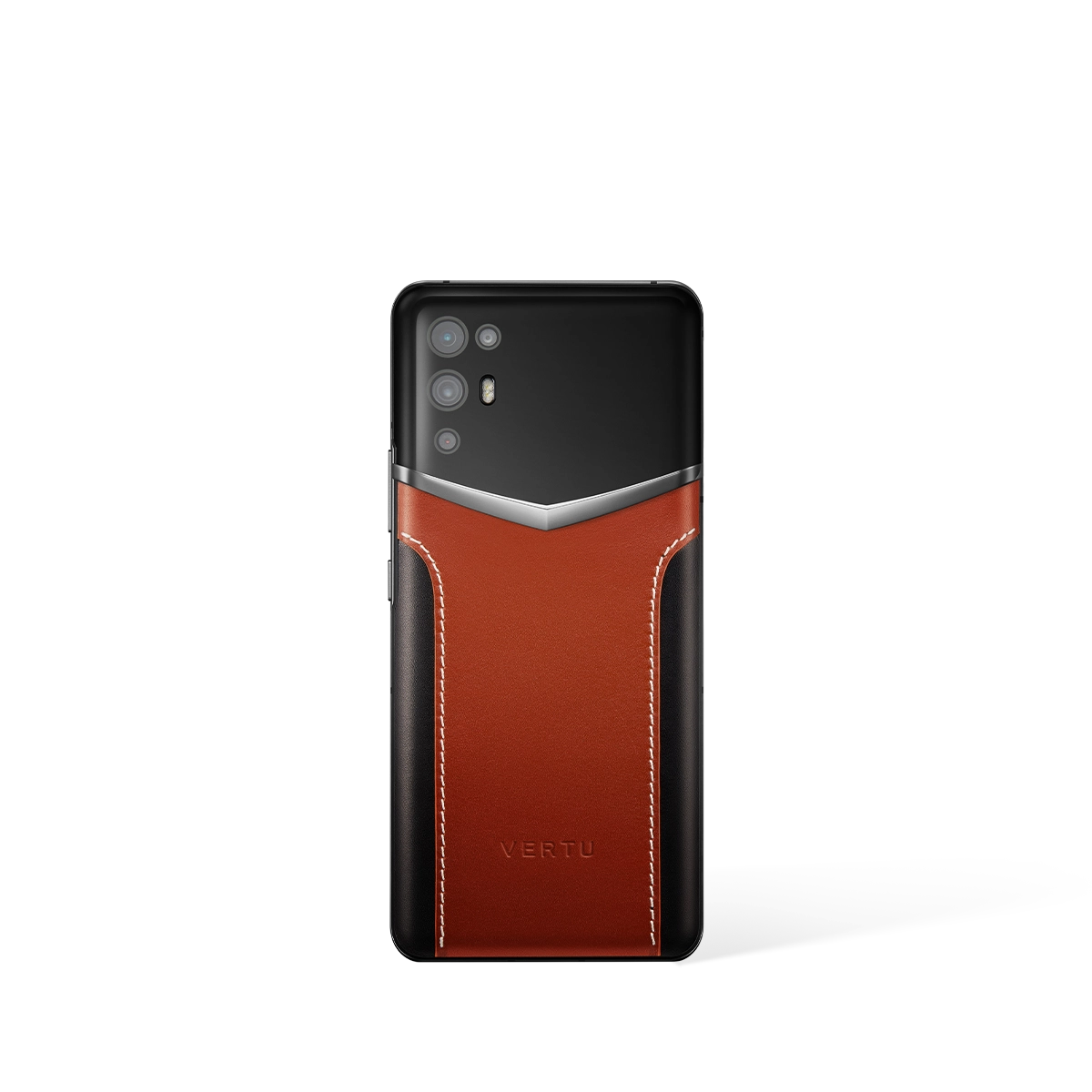
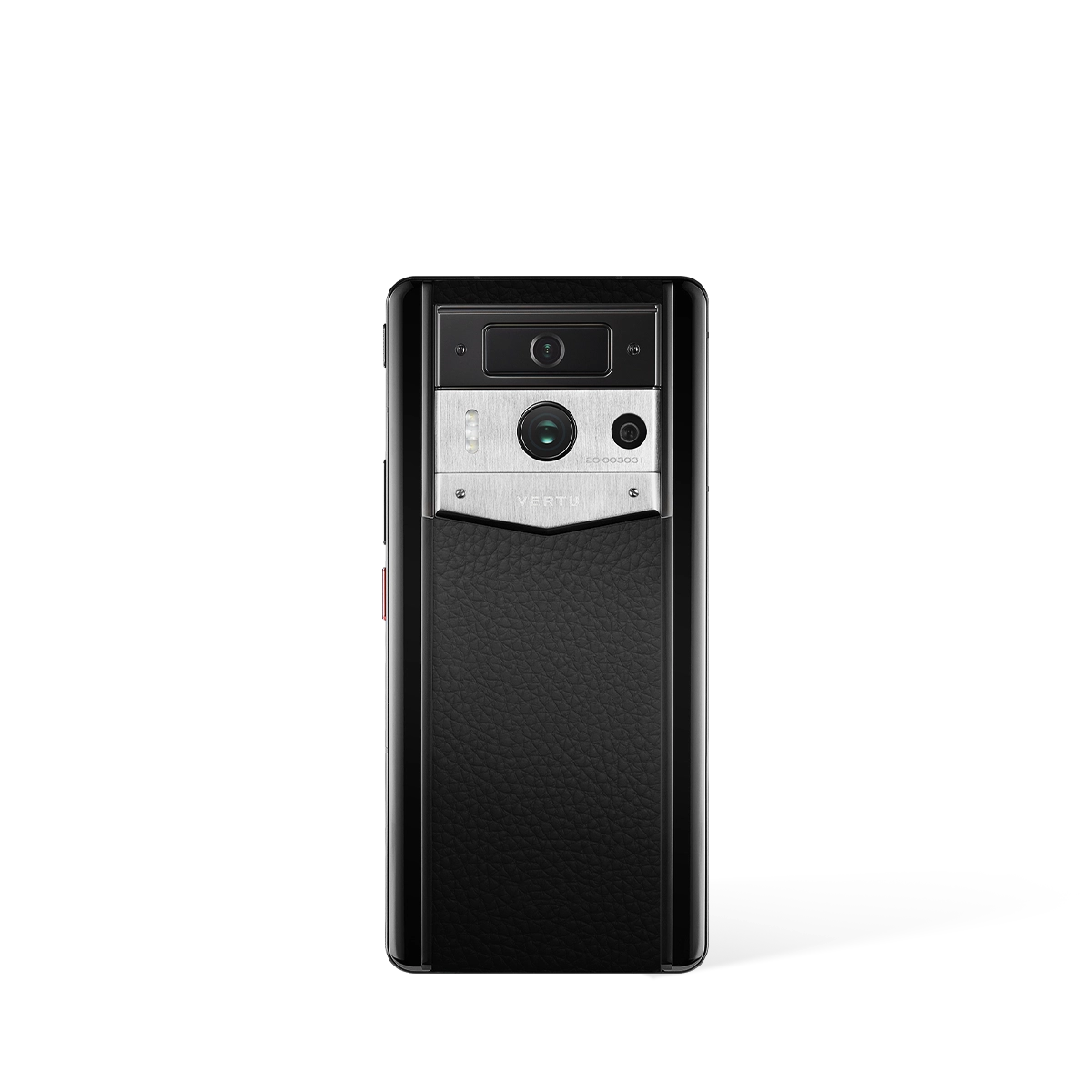
A Complete User Guide to Your Double Camera Phone
Understanding how to use a double camera phone unlocks a new level of mobile photography. These advanced devices feature two distinct lenses working in unison to produce images with greater depth, clarity, and versatility than a single lens can achieve.
What Are the Primary Functions of the Second Lens?
The secondary camera on your mobile phone is not merely a duplicate; it serves a specialised purpose. The specific type of lens determines the unique photographic capabilities of your device.
- Telephoto Lens: This lens provides true optical zoom, allowing you to capture distant subjects with significantly less loss of quality compared to digital zoom. It is ideal for portraits and capturing details from afar.
- Ultra-Wide-Angle Lens: Designed to capture a much wider field of view, this lens is perfect for expansive landscapes, architectural photography, and fitting more people into a group shot.
- Depth Sensor: This sensor does not capture a standard image but instead measures the distance between objects in the frame. It is the key technology behind the professional-looking 'bokeh' effect, which artfully blurs the background to make your subject stand out.
- Monochrome Sensor: A dedicated black-and-white sensor captures more light and fine detail than a colour sensor. It works with the main camera to improve contrast, reduce noise, and enhance performance in low-light conditions.
Familiarising yourself with the specific lens combination in your device is the first step toward mastering its capabilities.
How to Use Key Double Camera Features Effectively
To move beyond simple point-and-shoot photography, you must actively engage with the specialised modes that a double camera system enables. These features are typically accessible directly within your camera application.
- Activate Portrait Mode for Depth: Select 'Portrait' mode in your camera settings to engage the depth-sensing capabilities. Position your subject clearly in the foreground, and the software will automatically create a soft, blurred background for a striking, professional look.
- Switch Lenses for Different Perspectives: Look for icons on your camera screen, often labelled '1x' and '2x' or showing a tree/forest symbol. Tapping these will switch between the standard lens and the telephoto or ultra-wide lens, instantly changing your composition.
- Practise with Optical Zoom: When you need to get closer to a subject, use the dedicated optical zoom function ('2x', for example) instead of pinching to zoom. This ensures you are using the telephoto lens for maximum clarity and detail.
- Compose with the Ultra-Wide View: Before taking a landscape or group photograph, switch to the ultra-wide lens to see how much more of the scene you can include. Pay attention to the edges of the frame to avoid unwanted distortion.
We recommend experimenting with each mode in various lighting conditions to fully realise their creative potential.
By understanding the function of each lens and mastering the associated software features, your double camera phone becomes a far more powerful and versatile tool for creative expression.
FAQ
Discover Our Categories

A Legacy of Excellence Since 1998
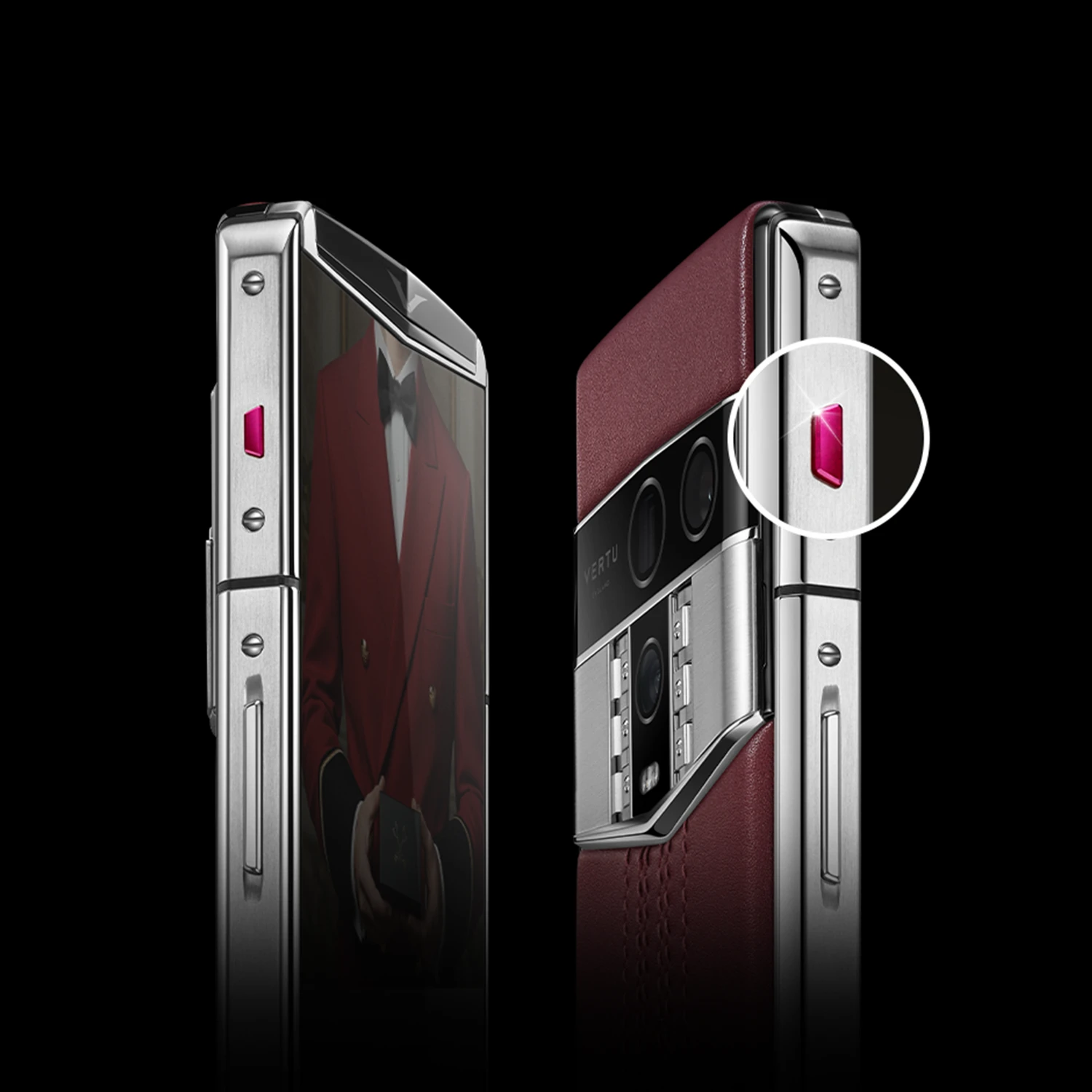
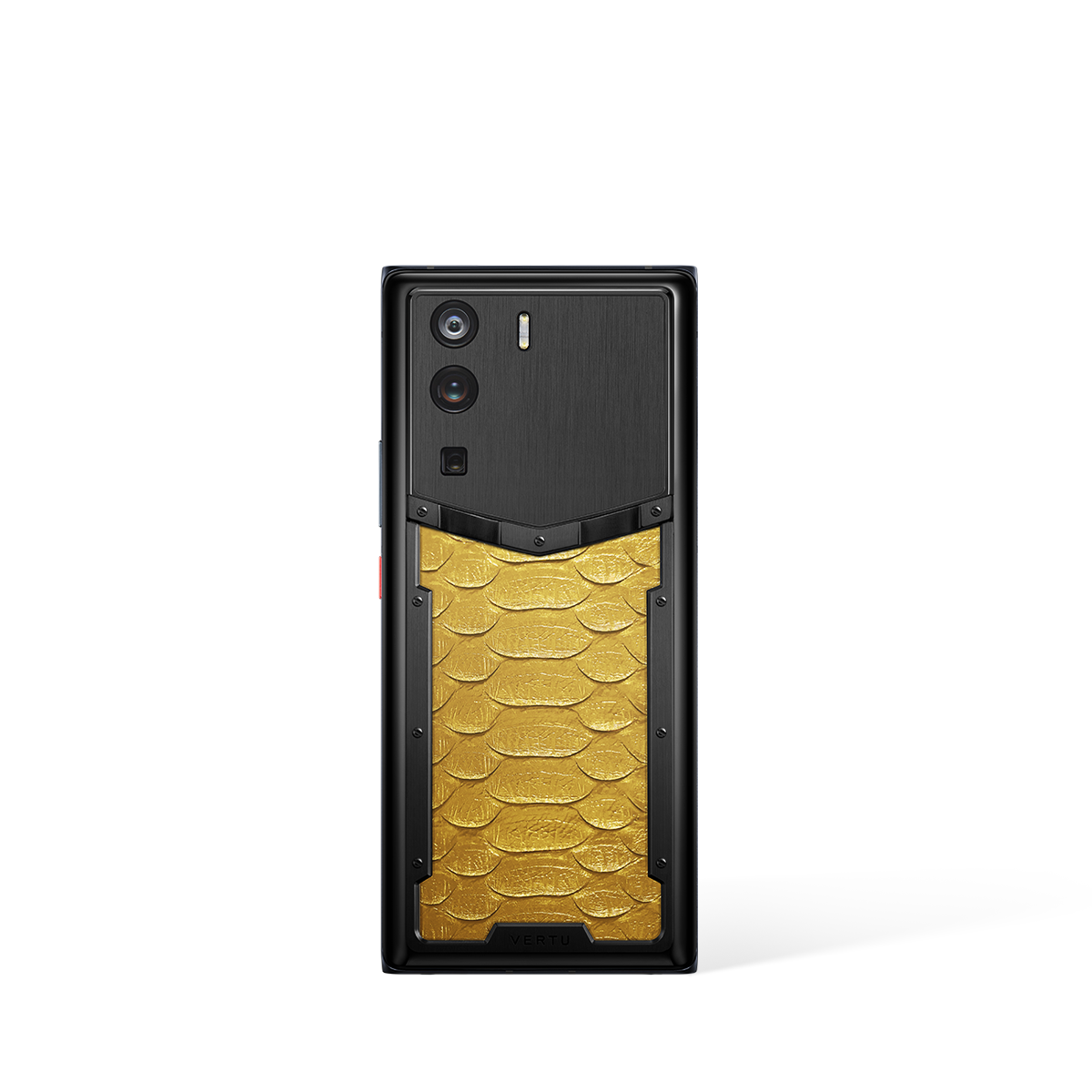
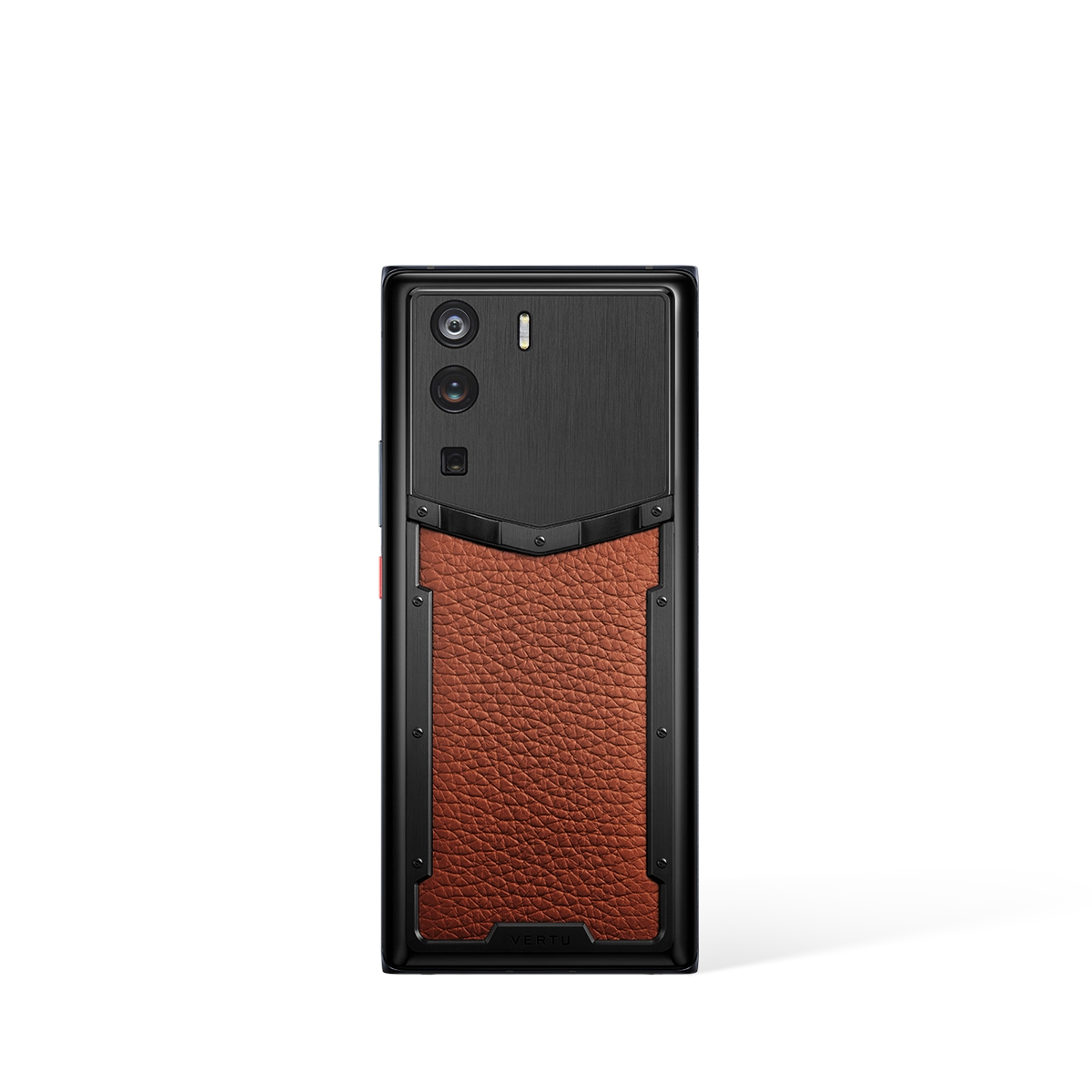
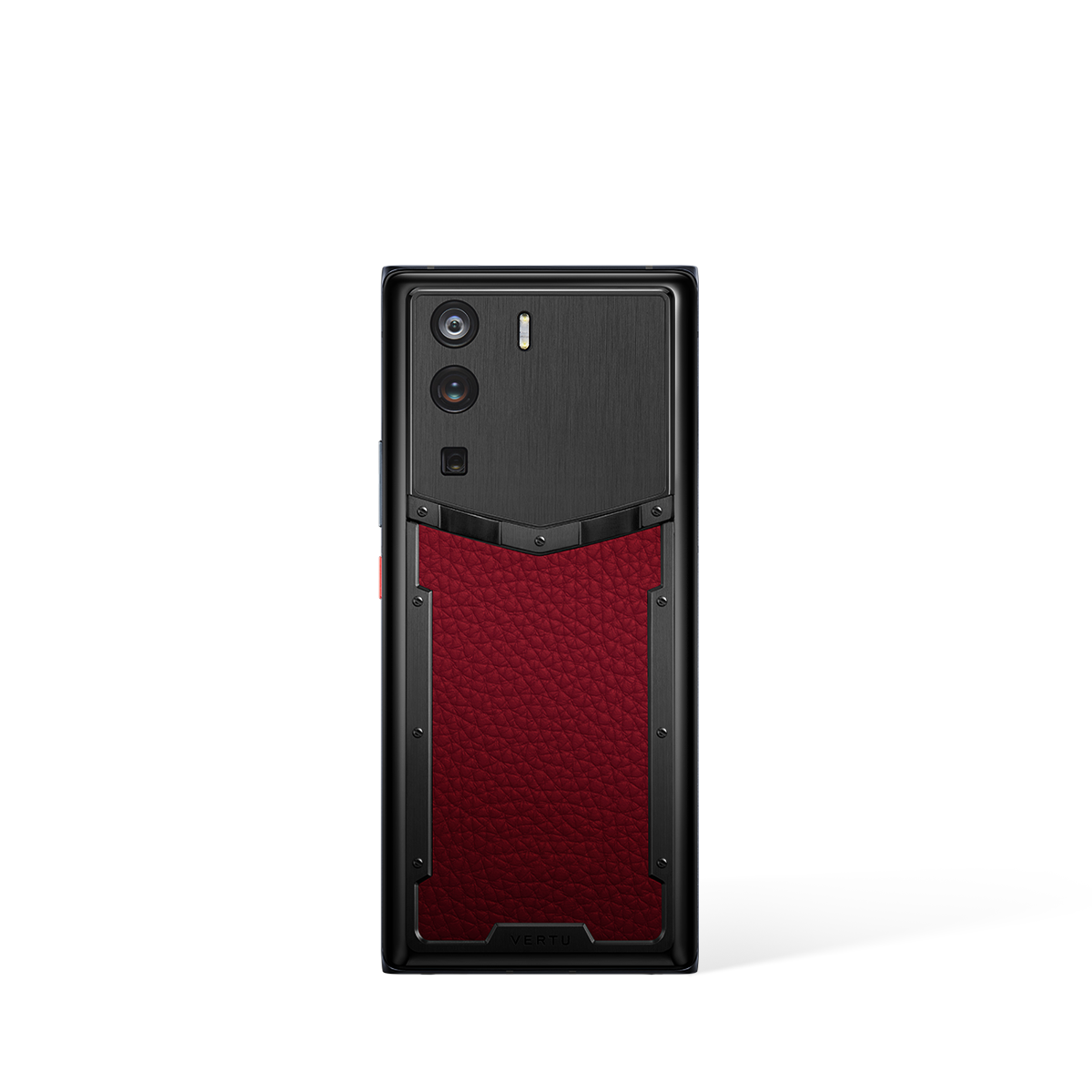
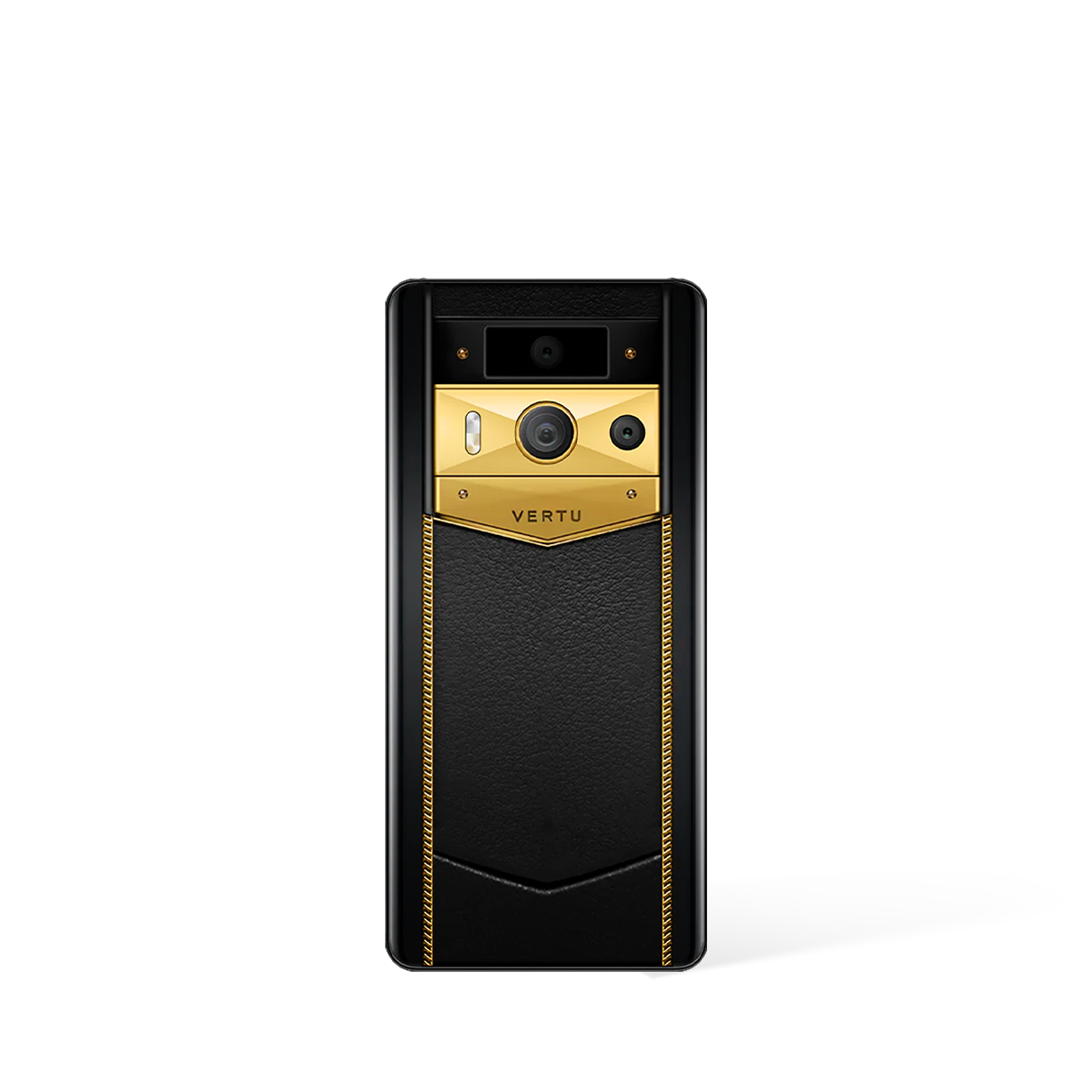
Double Camera Phone User Guide
Unlock the full photographic potential of your premium device. This guide provides deeper insights and expert recommendations to help you master the advanced camera capabilities that may be featured on your handset, ensuring every shot you take is exceptional. By understanding the principles behind dual-lens technology, you can elevate your mobile photography from simple snapshots to professional-quality images.
Mastering Your Advanced Camera System
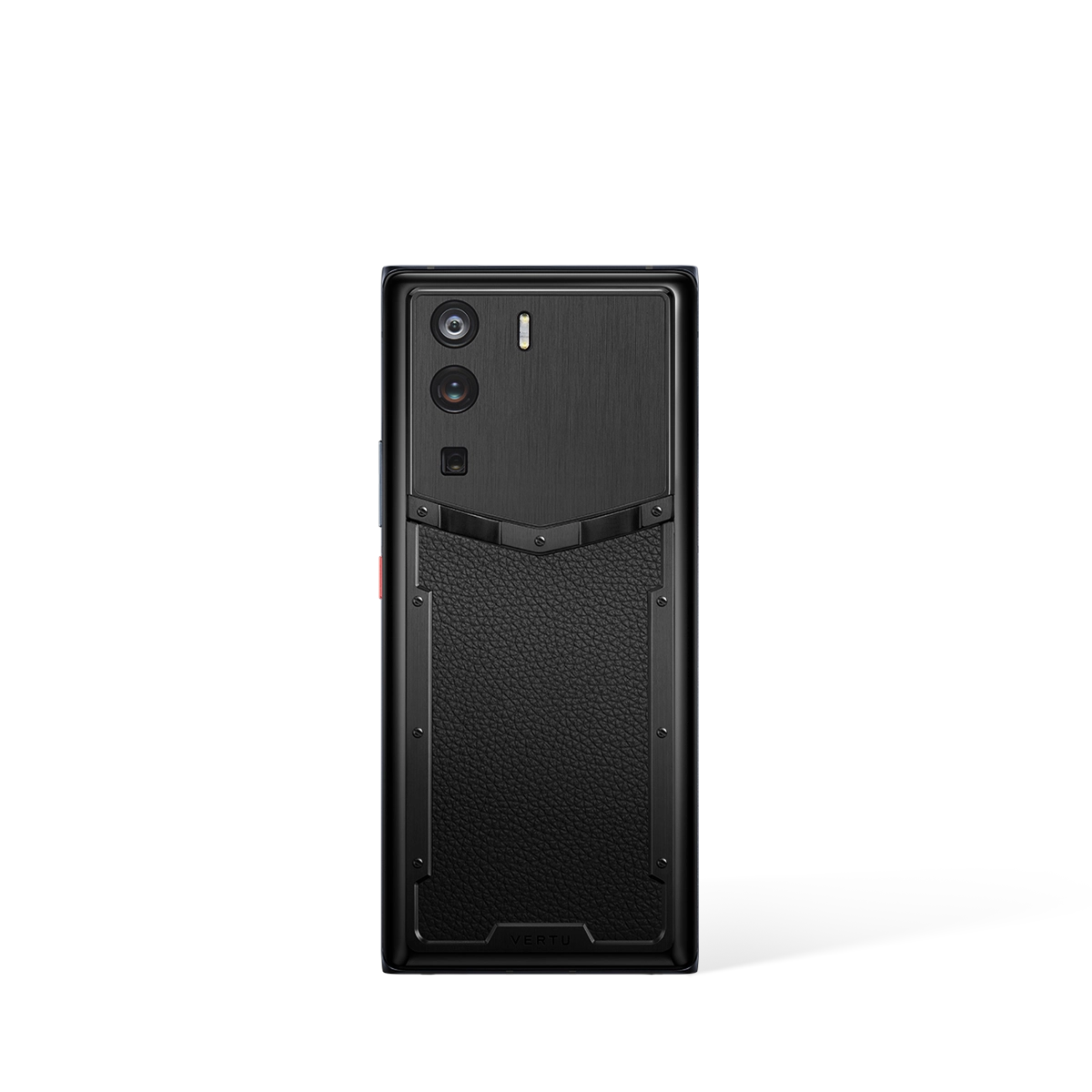
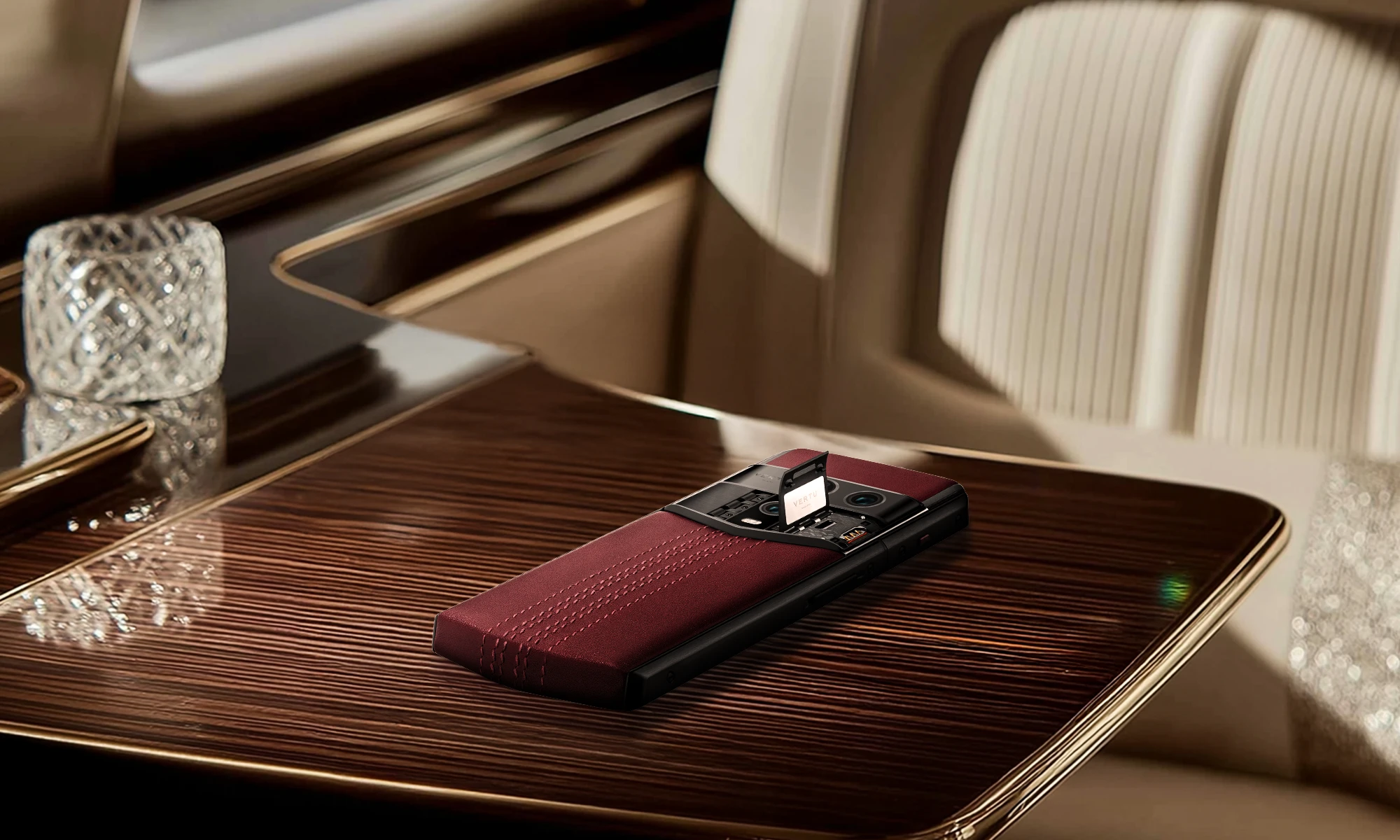
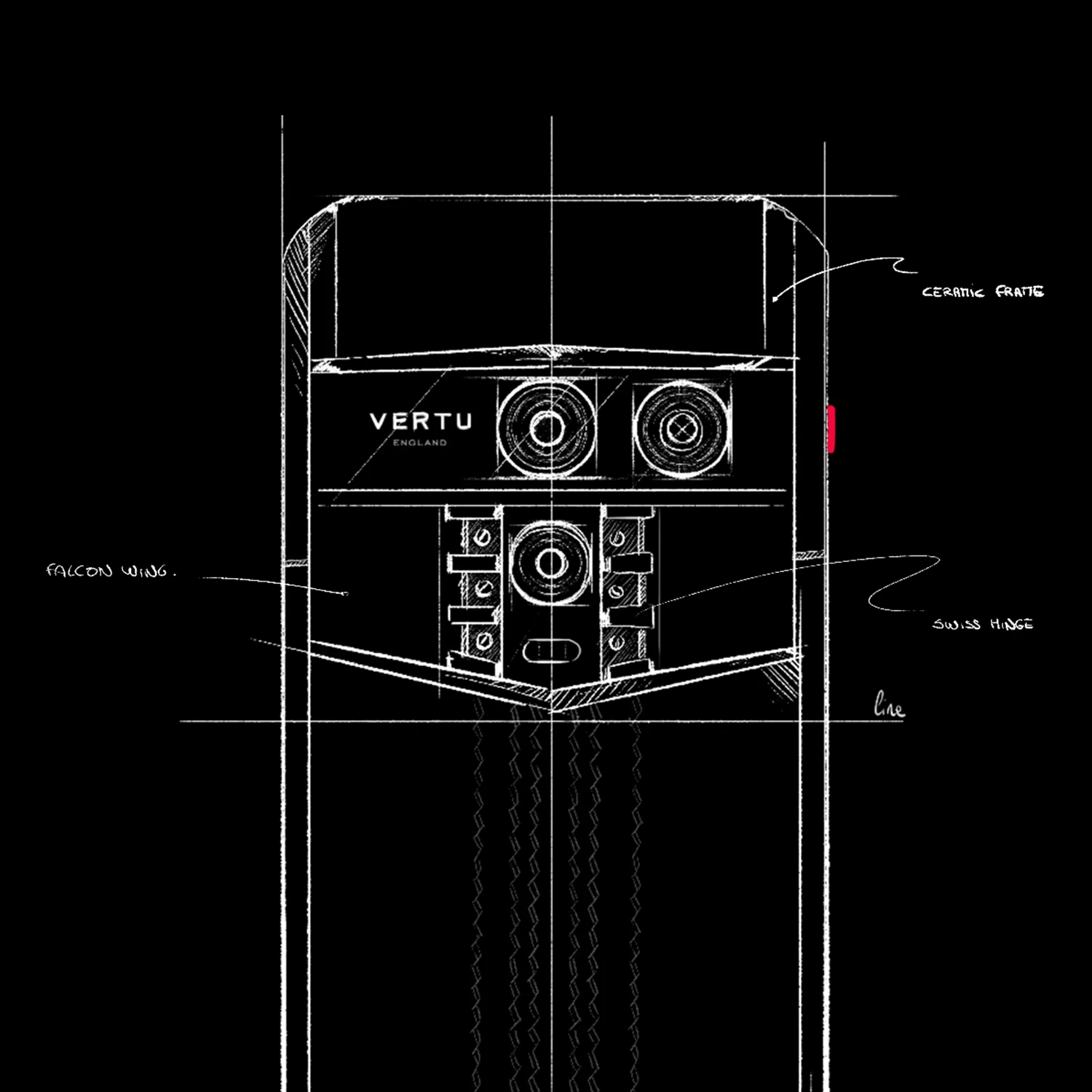
Owning a sophisticated device like the METAVERTU MAX means having powerful technology at your fingertips. To truly master its photographic capabilities, it is essential to move beyond automatic settings and explore the hardware and software in depth. The first step for any user is to thoroughly familiarise themselves with the physical lenses on their device. Identifying the different cameras is fundamental to understanding how they can be used to create varied and compelling images.
Once you understand the hardware, the next step is to delve into the camera's software interface. A premium handset will often provide a suite of advanced controls and modes designed for creative expression. We recommend spending time dedicated to exploring every option, from manual controls to specific portrait or wide-angle modes. Consistent experimentation is the key to realising the full potential of your device’s camera system and developing your unique photographic style.
Best Practices for Dual-Camera Photography
If your device, such as the METAVERTU MAX, is equipped with a dual-camera setup, learning to leverage both lenses in concert is crucial for capturing stunning photographs. A dual-lens system typically combines a primary camera with a secondary one that offers a different focal length or function, such as ultra-wide or telephoto. Understanding the distinct purpose of each lens allows you to make deliberate creative choices rather than relying on the default settings.
To get the most out of a dual-camera system, follow these expert best practices:
- Identify Lens Functions: Before you begin, determine the specific function of each camera. Is one for wide-angle shots and the other for zoomed-in telephoto images? Knowing this will inform which lens to use in any given scenario to achieve the desired composition and perspective.
- Practise Composition: Use the different focal lengths to your advantage. A wider lens is perfect for expansive landscapes or architectural shots, while a telephoto lens can create professional-looking portraits with natural background compression. Switch between them to see how the scene changes.
- Explore Dedicated Modes: Investigate camera modes that are specifically designed to use both lenses simultaneously, such as a portrait mode. These modes often use data from both sensors to create effects like an artistic background blur (bokeh), which can make your subjects stand out beautifully.
- Review and Refine: Always take the time to analyse your photos after a shoot. Look at the sharpness, colour, and overall impact. This reflective process will help you understand what works best with your METAVERTU MAX and refine your technique over time.